Have you ever felt like your to-do list keeps growing no matter how many tasks you cross off?
If so, you’re not alone—and the good news is, artificial intelligence might just be the secret weapon you’ve been missing. AI-powered tools are no longer just for tech giants or Silicon Valley startups. Today, they’re quietly reshaping the way individuals, freelancers, and businesses of all sizes work—making us faster, smarter, and more efficient than ever before.
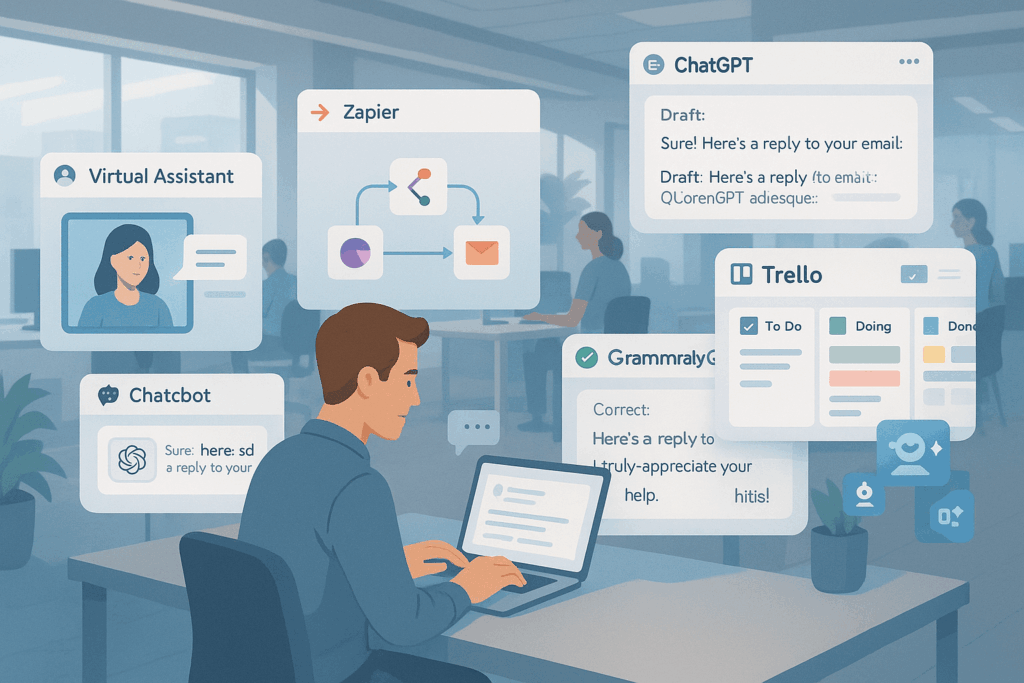
In this article, we’ll dive into five AI tools that are changing how we handle daily tasks, from writing and scheduling to analyzing data and managing customer relationships. Whether you’re working solo or leading a team, these tools offer real value without the steep learning curve.
Why AI Tools Are Taking Over the Modern Workspace
AI-powered tools work by mimicking human intelligence—learning from data, making decisions, and continuously improving. What once required manual effort and hours of human labor can now be done in seconds.
The Benefits You Can’t Ignore
- Increased productivity with automation
- 24/7 availability for customer service
- Data-driven decision making made simple
- Lower operational costs
- Improved user experiences
AI doesn’t just help businesses; it empowers individuals by taking the repetitive or complex parts of work off their plate. So let’s explore the top five tools that are quietly making big waves.
1. Notion AI – The Smart Writing Assistant for Workspaces
What It Does
Notion AI helps you draft, brainstorm, summarize, and rewrite content—right inside your notes and documents. Whether you’re preparing a report or outlining a blog post, it makes writing feel effortless.
How It’s Changing the Game
Instead of switching between multiple tools, users can stay focused and productive within one streamlined platform. Teams report saving up to 30% of their time when using Notion AI to handle routine documentation tasks.
2. Zapier – Automate Everything, Literally
What It Does
Zapier connects over 6,000 apps, letting you create custom workflows (called “Zaps”) that automate repetitive tasks—like moving new Gmail attachments to Dropbox or posting scheduled updates to Slack.
Real-World Example
A small business owner used Zapier to automate client onboarding—connecting Typeform, Gmail, Trello, and Google Drive—saving over 10 hours a week.
Why It Matters
It’s like having a virtual assistant running in the background, quietly keeping everything in sync.
3. ChatGPT – AI Conversations That Work for You
What It Does
ChatGPT by OpenAI is not just a chatbot. It can summarize documents, draft emails, generate code, brainstorm ideas, and more—all through natural language.
The Impact
Freelancers, marketers, and developers are using ChatGPT to cut writing and coding time in half. It’s a versatile companion for everything from customer service to SEO content planning.
4. GrammarlyGO – Beyond Grammar Correction
What It Does
GrammarlyGO leverages generative AI to write and revise sentences based on your intent. Whether you want to sound formal, friendly, concise, or persuasive, it adjusts your text accordingly.
Use Case Example
A sales executive uses GrammarlyGO to polish pitches and proposal drafts, ensuring professional tone and clarity, without hiring an editor.
5. Trello + Butler – Project Management Gets Smarter
What It Does
Trello’s built-in AI automation tool, Butler, helps automate card movements, due date reminders, and workflow rules within your boards.
Why Teams Love It
With Butler, project management becomes proactive. Teams no longer need to manually move cards or send status updates—saving mental energy for bigger decisions.
How to Start Integrating AI into Your Daily Workflow
Tips for Beginners
- Start small – Choose one tool and integrate it into a single task.
- Measure time saved – Use before-and-after metrics.
- Educate your team – AI adoption works best when everyone’s on board.
- Avoid over-automation – Let humans handle empathy and nuance.
Common Mistake to Avoid
Don’t expect AI to work perfectly on day one. Train it, tweak your workflows, and give it context. Think of it as a colleague who learns fast—but still needs your guidance.
Conclusion: The Quiet Revolution Is Already Here
AI-powered tools aren’t just buzzwords—they’re practical, accessible, and already transforming how we work behind the scenes. By adopting the right AI tools, you can cut down on busywork, unlock creativity, and reclaim your time.
So why not start small today? Try one tool from this list and see how much smoother your day becomes.
